Desk
Deliver fast, dependable customer support without complex per seat bloat. A modern alternative to Zendesk and Freshdesk with ticketing, shared inboxes, knowledge base, and service agreements.
What your team can do with Desk
Take a closer look at the desk tools your team uses every day.
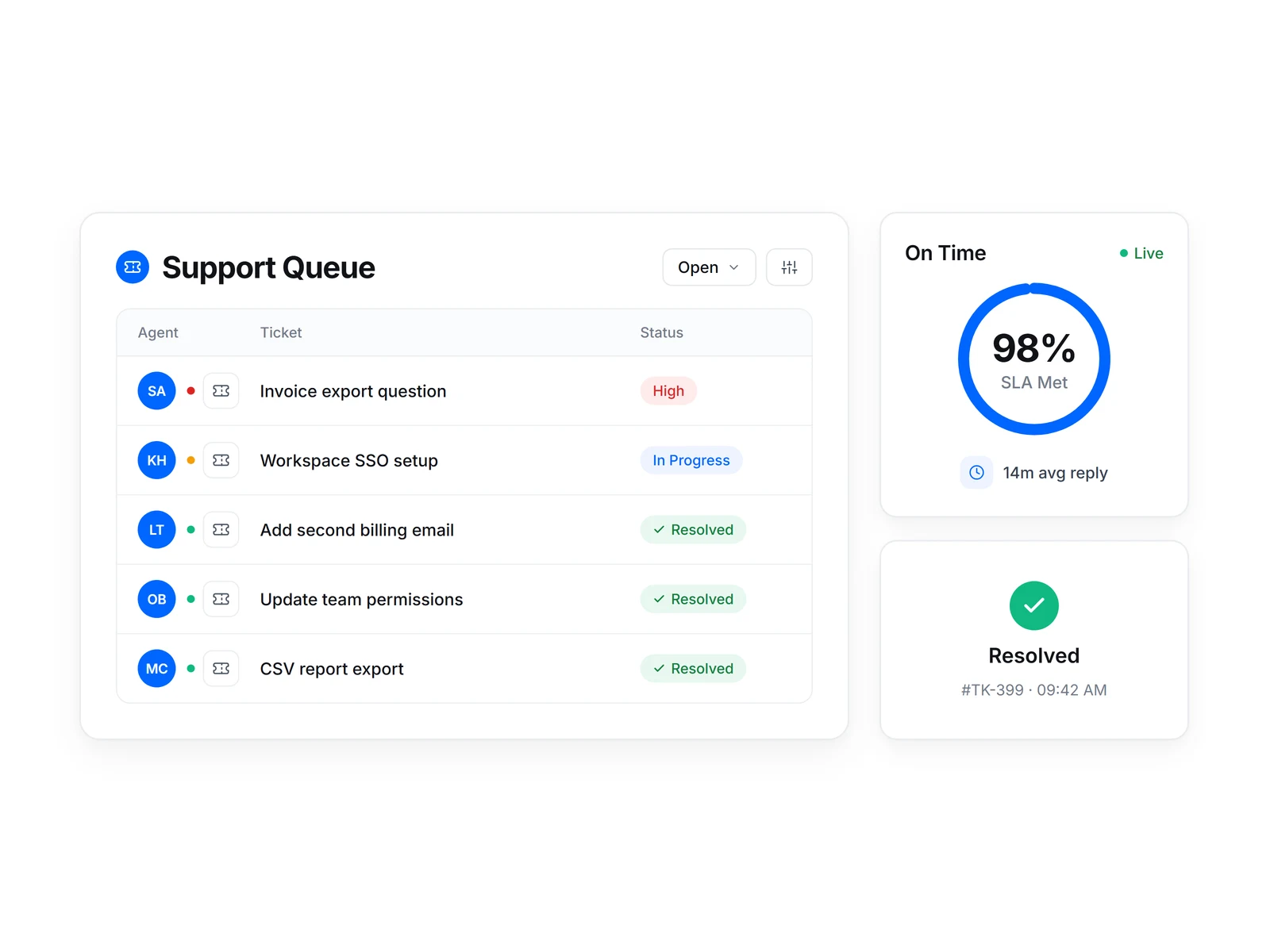
Ticketing
Capture, prioritize, and resolve customer issues from one structured queue with clear ownership.
- Automated ticket routing, tagging, and priority levels
- Reusable reply macros and status workflows
- Full customer context linked to every conversation
Shared Inboxes
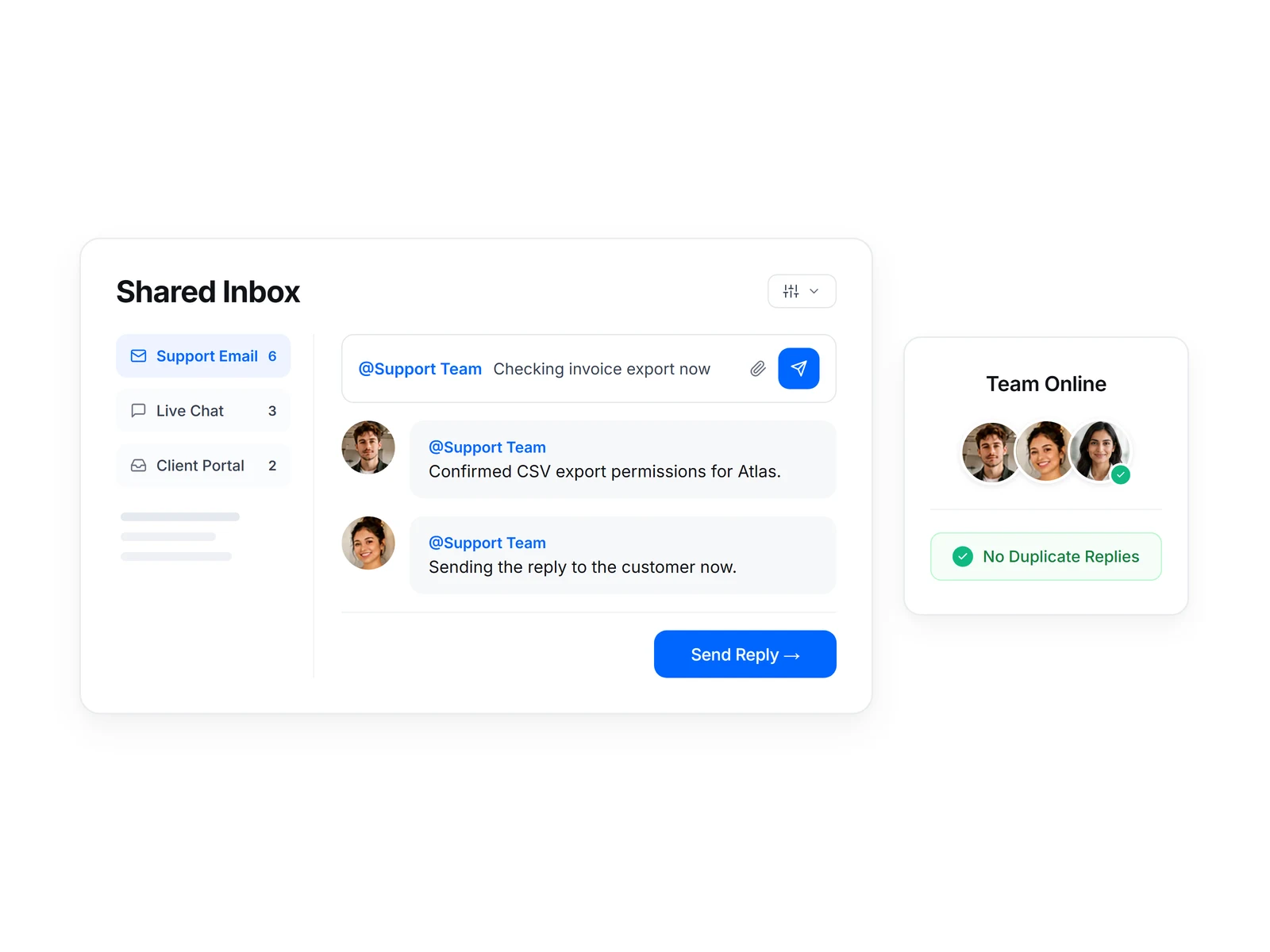
Bring email, chat, and portal requests into one collaborative team inbox with zero duplicate replies.
- Unified queues for support, billing, and customer success
- Private internal notes and @mentions behind customer threads
- Live agent presence to prevent reply collisions
Knowledge Base
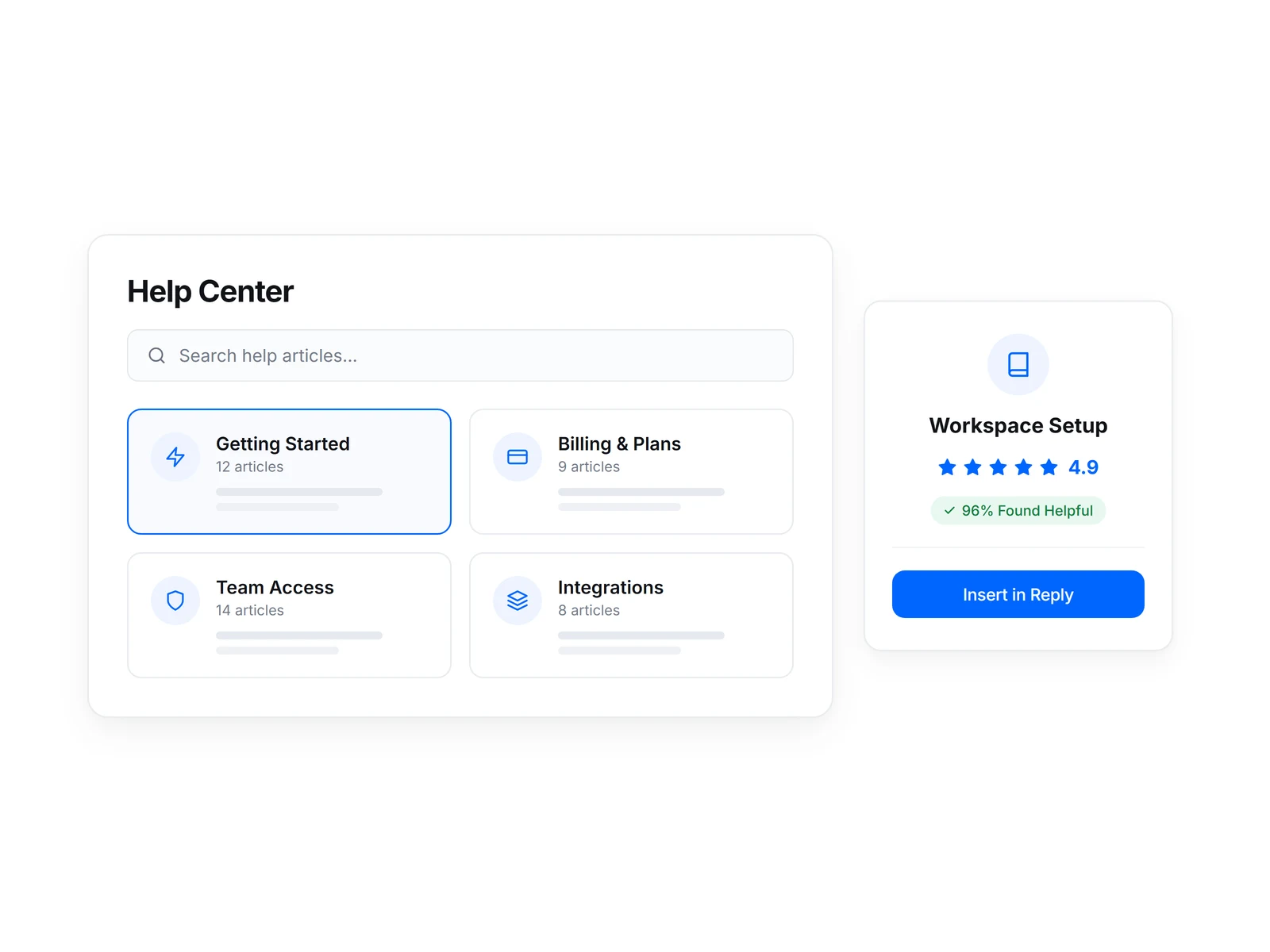
Publish a searchable help center so customers can find answers immediately and reduce ticket volume.
- Organized categories, guides, and instant article search
- Article helpfulness ratings and gap insights
- Insert help articles directly into agent ticket replies
Service Agreements
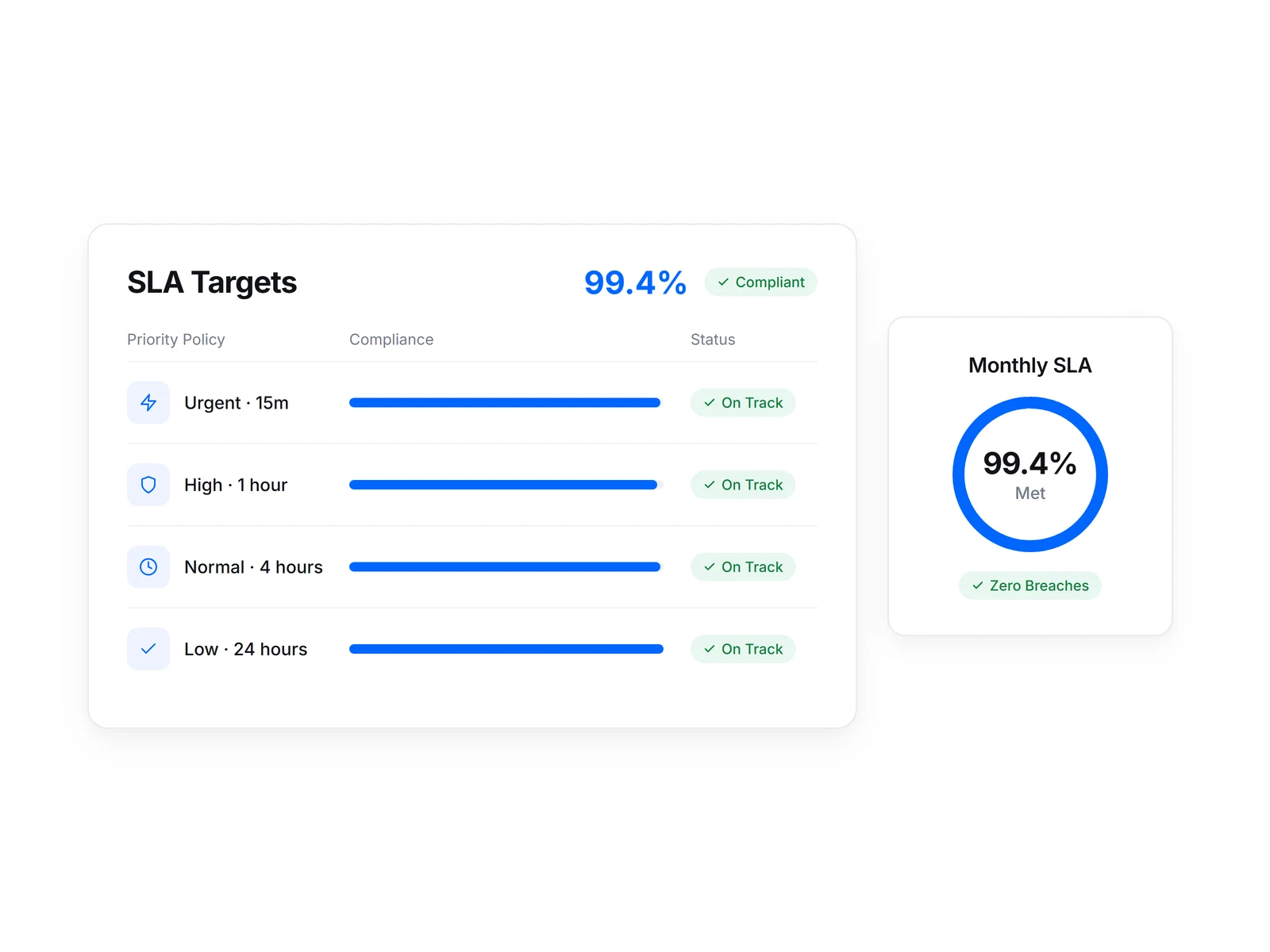
Define response and resolution targets with clear SLA policies, escalations, and compliance reporting.
- Response and resolution SLAs by priority or customer tier
- Proactive breach warnings and escalation rules
- SLA performance dashboards across teams and channels
Why choose Essal Desk?
See how Desk helps your team keep work organised and easier to follow.
Faster first responses
Smart routing, shared queues, and reply macros help agents answer customers in minutes.
Fewer repetitive tickets
A clear, searchable knowledge base lets customers solve common questions on their own.
Meet every SLA commitment
Automatic countdowns and escalation alerts keep high priority issues on schedule.
Plan your first steps
Walk through setup, your team's needs, and how you will use the product.
Connect your support channels
Forward support email addresses, enable live chat, and organize ticket queues by team.
Set SLAs and help articles
Configure service agreement targets and publish guides in your customer knowledge base.
Resolve and improve service
Collaborate on tickets, monitor SLA compliance, and refine your support playbook.
See Desk at work
Tell us what your team needs to handle with Desk. We will show you the relevant features and answer your questions.